
AAW sEMG Wireless
AAW sEMG Wireless is a wireless surface-EMG system. The Edge device captures EMG on the skin, the Dongle receives data over USB, and the browser console shows waveforms.
Edge onboard dry electrodes → wireless link → Dongle USB serial → browser console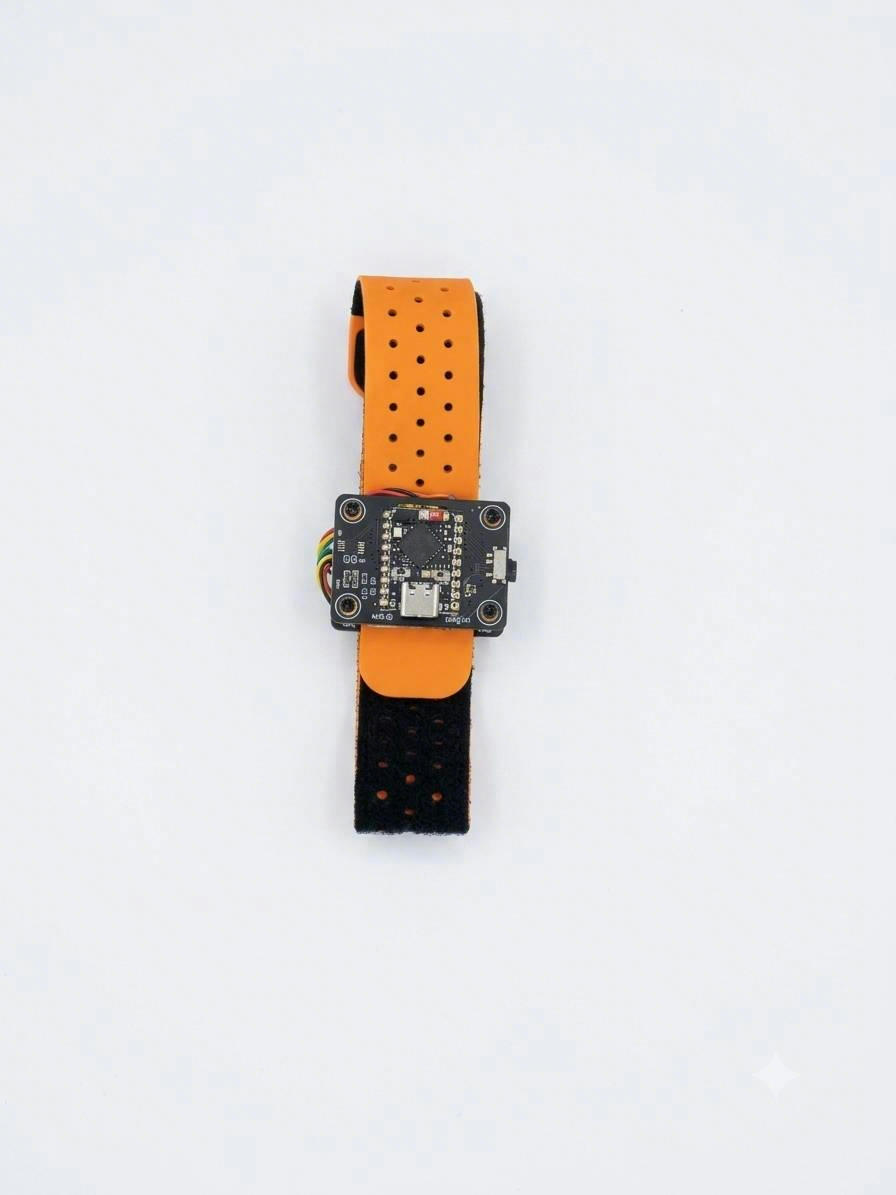
Who it is for
Section titled “Who it is for”- Users who want fewer wires and fast EMG waveforms.
- Students, teachers, and developers who want browser-based real-time signals.
- 1–4 channel demos, course projects, and HCI prototypes.
- Users who want to validate motion and waveforms before algorithm work.
Who it is not for
Section titled “Who it is not for”- Users who want an Arduino analog-input module.
- Medical diagnosis, treatment, monitoring, or safety-critical use.
- Full mobile-browser workflows.
System parts
Section titled “System parts”| Part | Purpose |
|---|---|
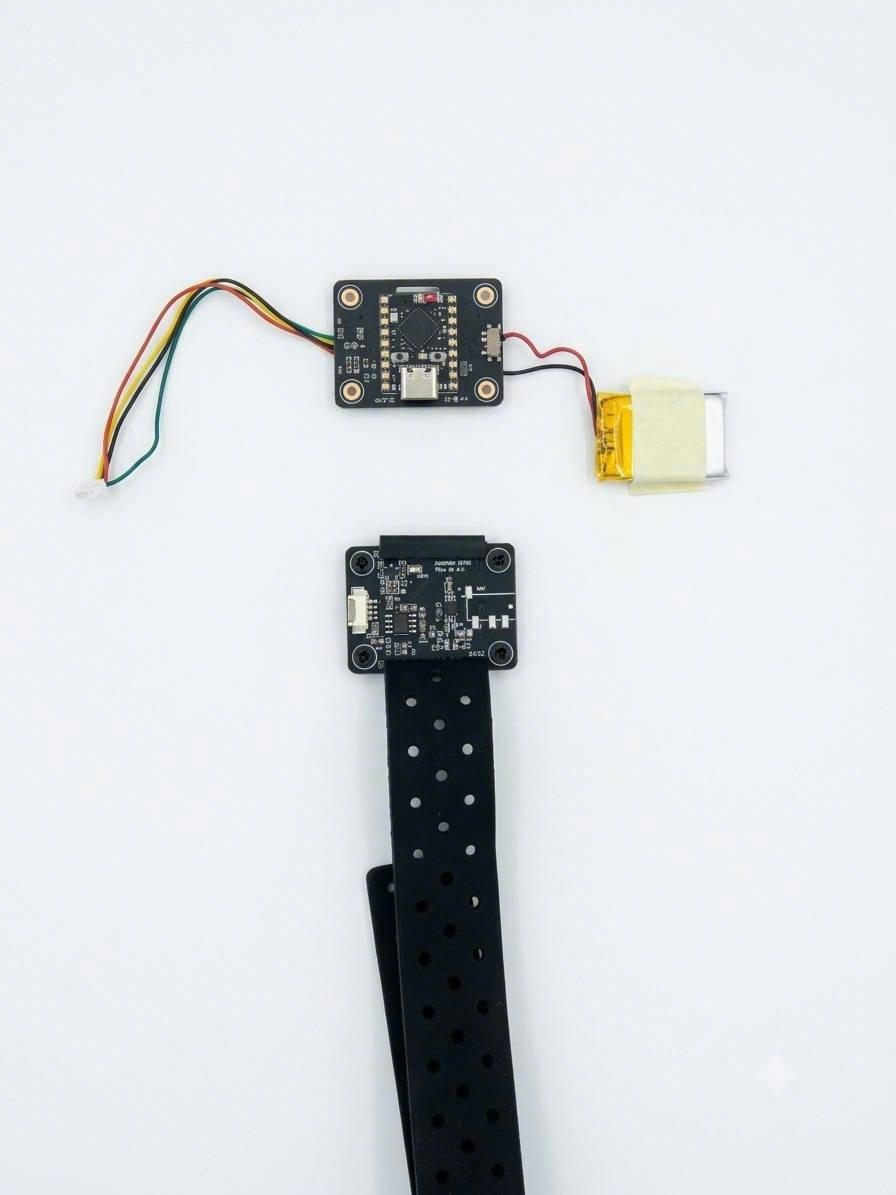
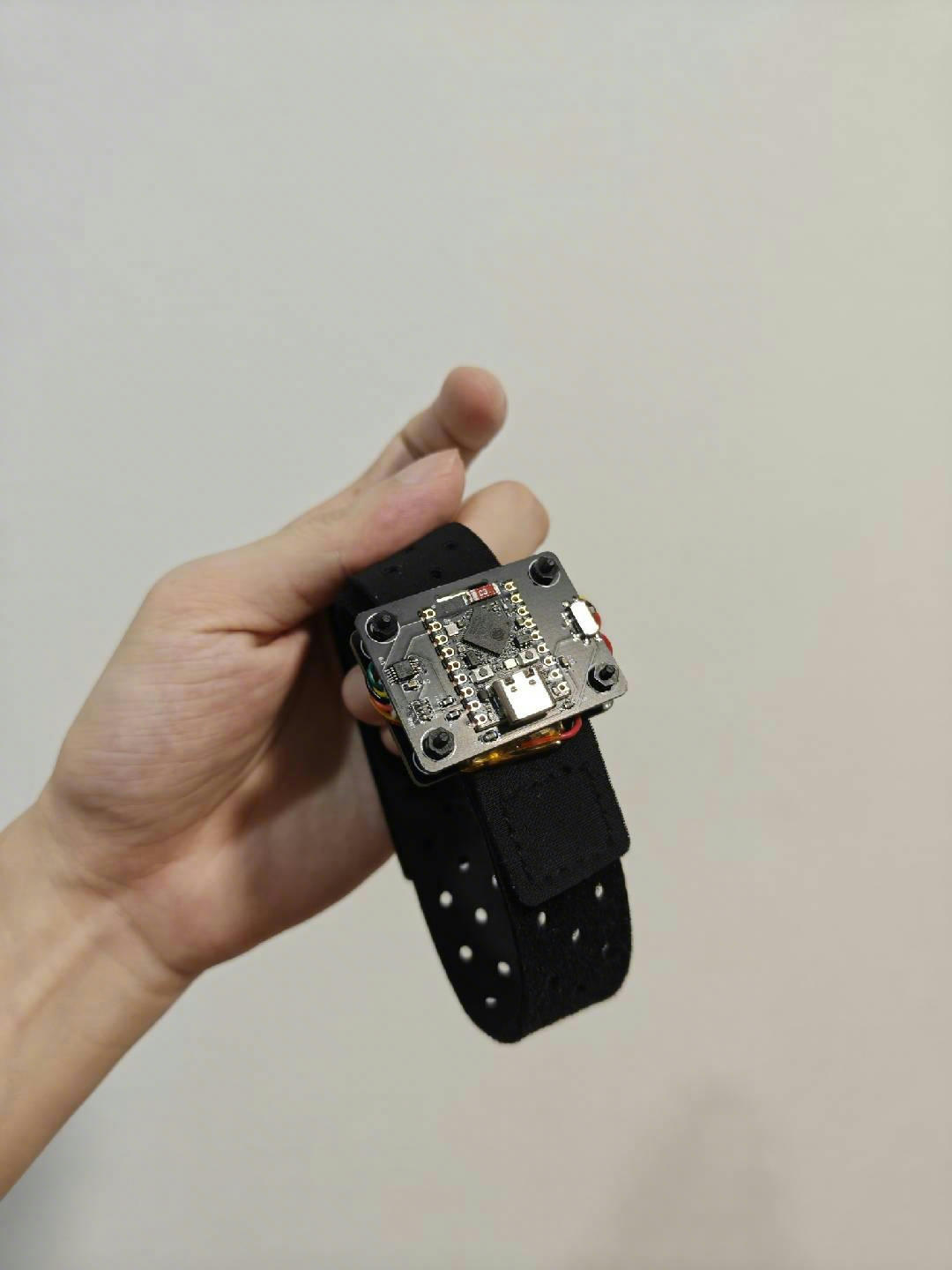
| Edge | Onboard dry electrodes, sEMG front end, wireless MCU, LiPo battery. |
| Dongle | USB receiver; sends wireless data to the browser over serial. |
| Browser console | View real-time waveforms at console.aawlab.com. |
Key specs
Section titled “Key specs”| Item | Value |
|---|---|
| Electrode style | Edge onboard dry electrodes |
| Data link | Up to 4 Edge devices per Dongle |
| Raw EMG | Dongle serial |
| BLE | Mainly envelope data |
| Target sampling | 3000 Hz |
| Edge power | LiPo battery, about 180–220 mAh |
| Battery reference | About 60–90 min after full charge |
| Dongle power | USB, no battery |
| Browser | Desktop browser; mobile browser is not the main target |
| Medical use | No |
Buttons and LED
Section titled “Buttons and LED”
| Label | Name | Notes |
|---|---|---|
| 1 | Switch | Controls Edge battery power. Disconnect USB before judging switch state. |
| 2 left | Restart | Restarts the Edge. |
| 2 right | Re-pair | Use when reconnecting to the Dongle. |
| 3 | Main LED | Blue means normal operation; yellow blinking usually means low battery. |
The blue LED near Type-C usually means USB / board power is present. It is not a full-charge indicator.
First use
Section titled “First use”- Charge the Edge.
- Plug the Dongle into the computer.
- Disconnect USB from the Edge and turn on the switch.
- Re-pair with the right button if needed.
- Place the Edge electrodes on the target forearm muscle.
- Open console.aawlab.com.
- Relax, then clench or bend the wrist and watch the waveform.
Charging and multi-Edge notes
Section titled “Charging and multi-Edge notes”- The Edge switch must be on for charging.
- Charging starts about
3 minafter USB is connected. - Avoid wearing the Edge while it is continuously connected to USB.
- Up to 4 Edge devices can connect to one Dongle.
- For multi-Edge capture, use one Dongle when possible for synchronization.
- The Dongle has no battery and must remain connected to USB.
Development
Section titled “Development”Examples are available at AAWLab/sEMG-oss examples. They can read device model, device ID, battery level, charging state, and data rate.